Introducing What's Happening?
What's Happening?
A new tool to keep you on time and on track.
Hi, I'm an event-based time thinker….
I recently came across this TED Talk that described two distinct ways that people think about time. In short, many people think about time like a calendar, allotting future time for specific activities (e.g., at 10:00 I'll do this, at 11:30 I'll do that), while others think about time as a series of events, rather than a strict schedule (when this happens I'll do that…).
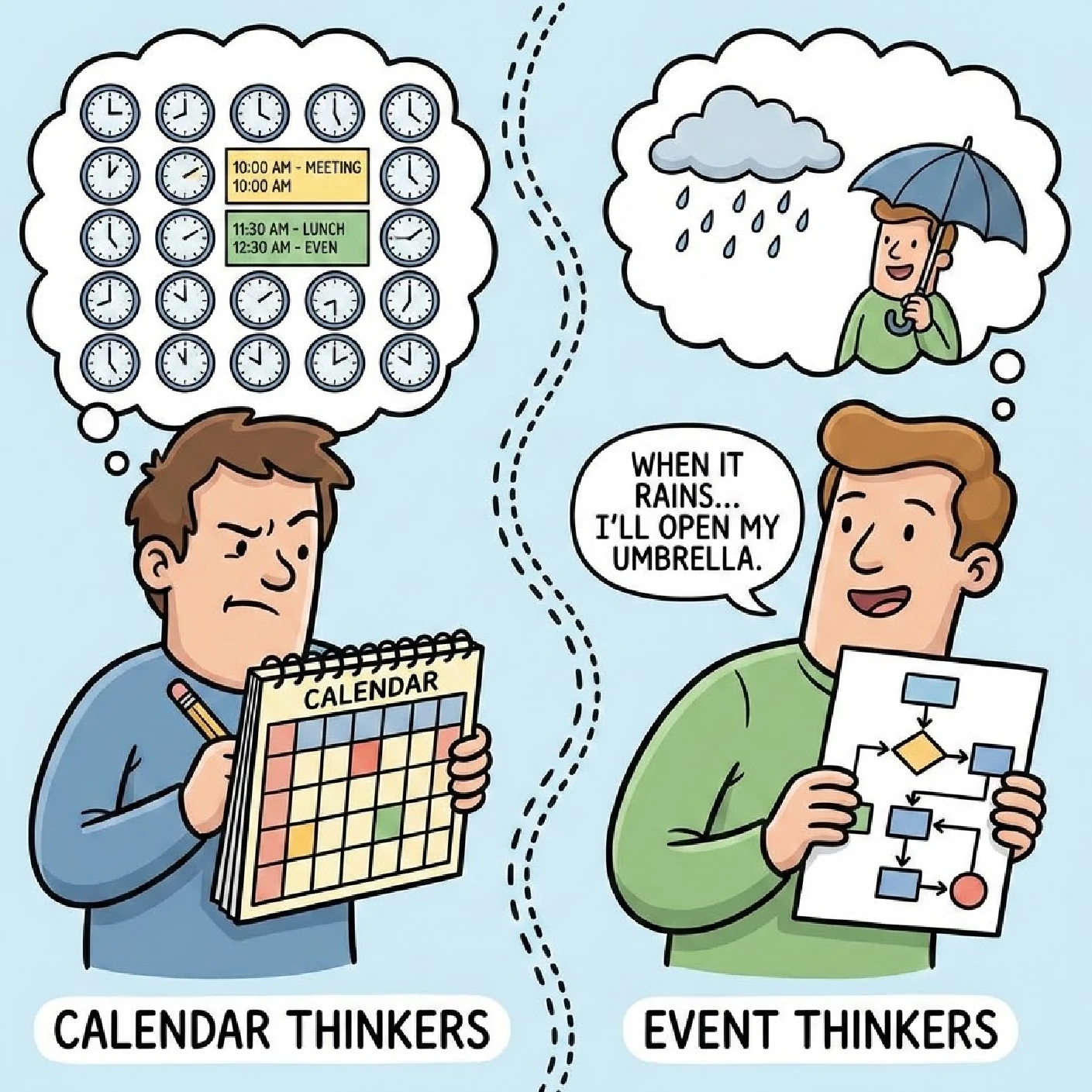
It had never occurred to me that there might be different ways that people think about clocks and calendars, but learning about event-based timekeeping clicked right away.
I have always had a real hate-hate relationship with calendar apps. The usual "Grid of Calendars" with color-coded events is a constantly changing landscape where scale and proportion are continually shifting depending on how many days or hours I am looking at.
Paranoid about Pop-ups
My event-based mind goes into overload trying to digest all of the information on a packed agenda, leaving me feeling anxious about being late or missing important events. Alerts and reminders tend to make things worse for me. While initially effective, Alert Fatigue rapidly settles in and I stop paying attention to the pop-ups that interrupt my workflow.
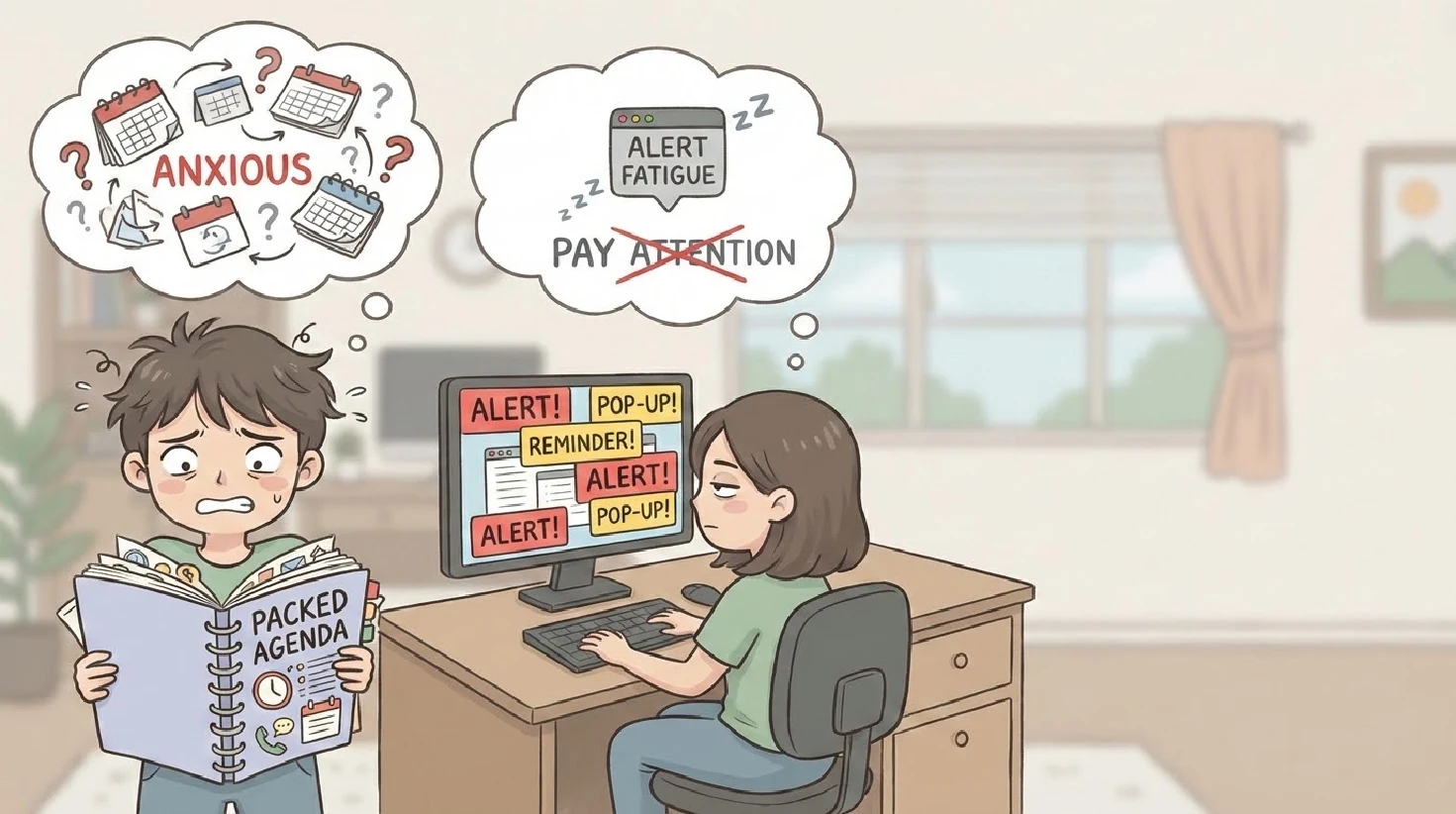
Ubiquitous calendar alerts are quickly dismissed and ignored because, in my mind, they are disconnected from the events they are trying to remind me of, and despite my best efforts at notification settings management, the alerts are not normalized.
The gist of it is that I don't want to know that my next meeting is in a half hour… I want to know that I have a half hour until my next meeting.
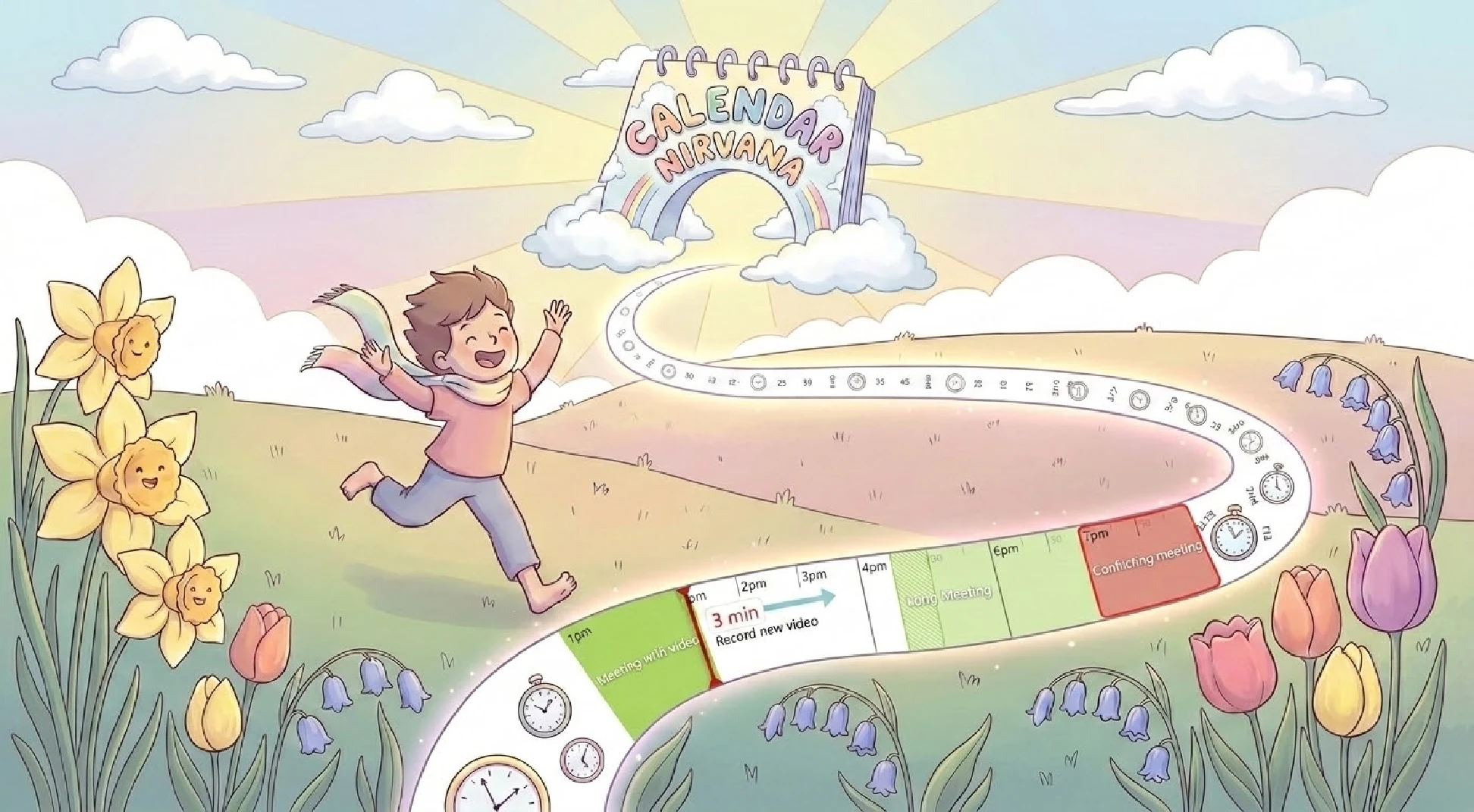
It's a subtle difference but it's at the crux of what I've started calling Calendar Anxiety, a form of FOMO where I always think I'm missing an important event. I've learned that a lot of people experience Calendar Anxiety and I was inspired to find a solution.
That led me to develop a brand-new desktop app called "What's Happening?" (now available on the Windows App Store).
Time for Something Different
What's Happening? is a simple desktop app that flattens your crazy grid of calendar events into a single, one-dimensional timeline view that I call the TimeStrip. It sits at the top of your screen and is there to show at a glance how much time remains until something happens.
Instead of performing calendar arithmetic every time a notification pops up, you see a constant and consistent timeline of your upcoming events in a simple, glanceable display.

The TimeStrip is designed to display your calendar events and the gaps in between in proportion to their duration. No zooming or dragging across calendars. No hunting for browser tabs. Just a minimally invasive, always-on-top display that keeps you on time and on task.
On the left side of the TimeStrip, there is a Now Line representing the current time, with upcoming events displayed to the right.
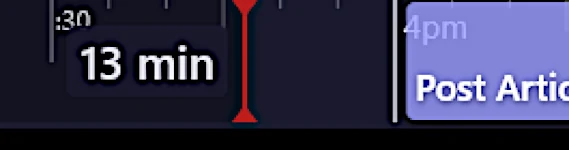
I think of that marker as a sort of one handed clock always pointing to the present, but, as opposed to hands sweeping across a dial, the Now Line is fixed and never moves from its initial position.
Instead, the events on my calendars migrate across the TimeStrip from right to left in real time as my day progresses. This focuses the display on upcoming events and eliminates the cognitive load of trying to figure out which events are in the past and which are yet to come.
How Long?
Attached to the Now Line is a persistent Countdown Timer that tells me, at all times, exactly how long until my next context switch. I never need to use my brain to convert clock time to duration. It's a simple concept but, no longer getting distracted by pop-ups, I'm able to stay in the flow of my current task and feel much more productive.
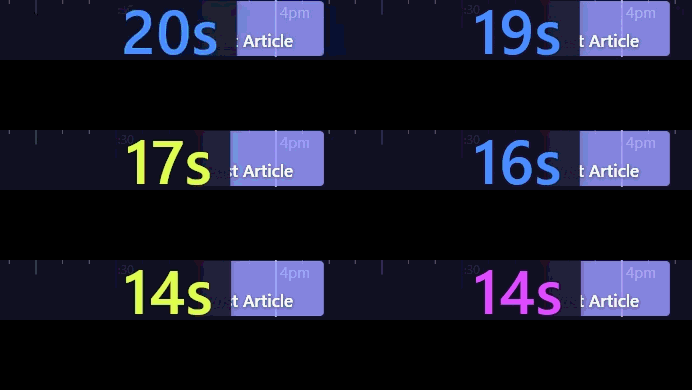
When an upcoming transition is near, the Countdown Timer begins to turn red, grows in size, and eventually starts flashing different colors and wiggling around to attract your attention.
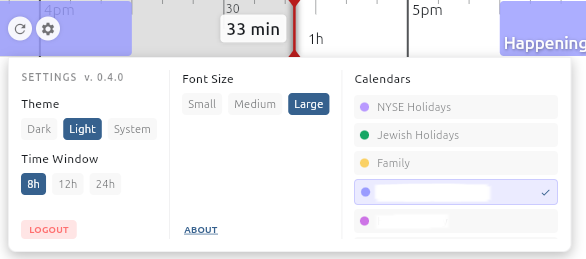
The settings menu allows the selection of calendars you wish to display and a few options for font sizes, and time windows (8h, 12h, 24h)
And, of course, it supports both dark and light modes:
What's Happening? is open source (on GitHub) and is locally installed, so all of your calendar data is kept secure on your laptop or PC.
You can find more information on What's Happening?, including documentation and download links for Mac, Windows and Linux at https://gs.works/happening.